

Freeform 3D scan
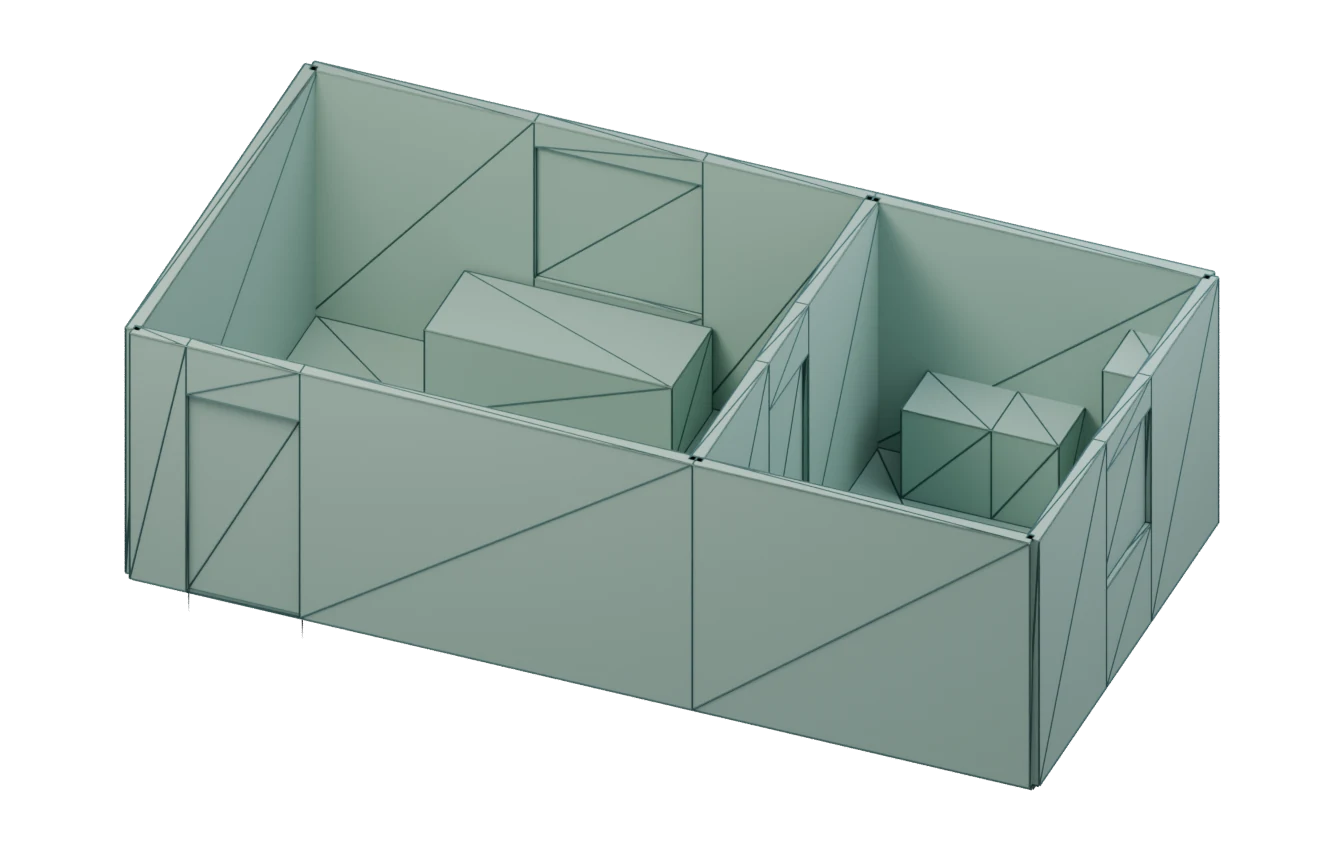
A freeform scan records surfaces as a triangle mesh, including stairs and sloped ceilings. Rotate the app’s sample mesh to see the surfaces from every side.
Room scanner for iPhone and iPad
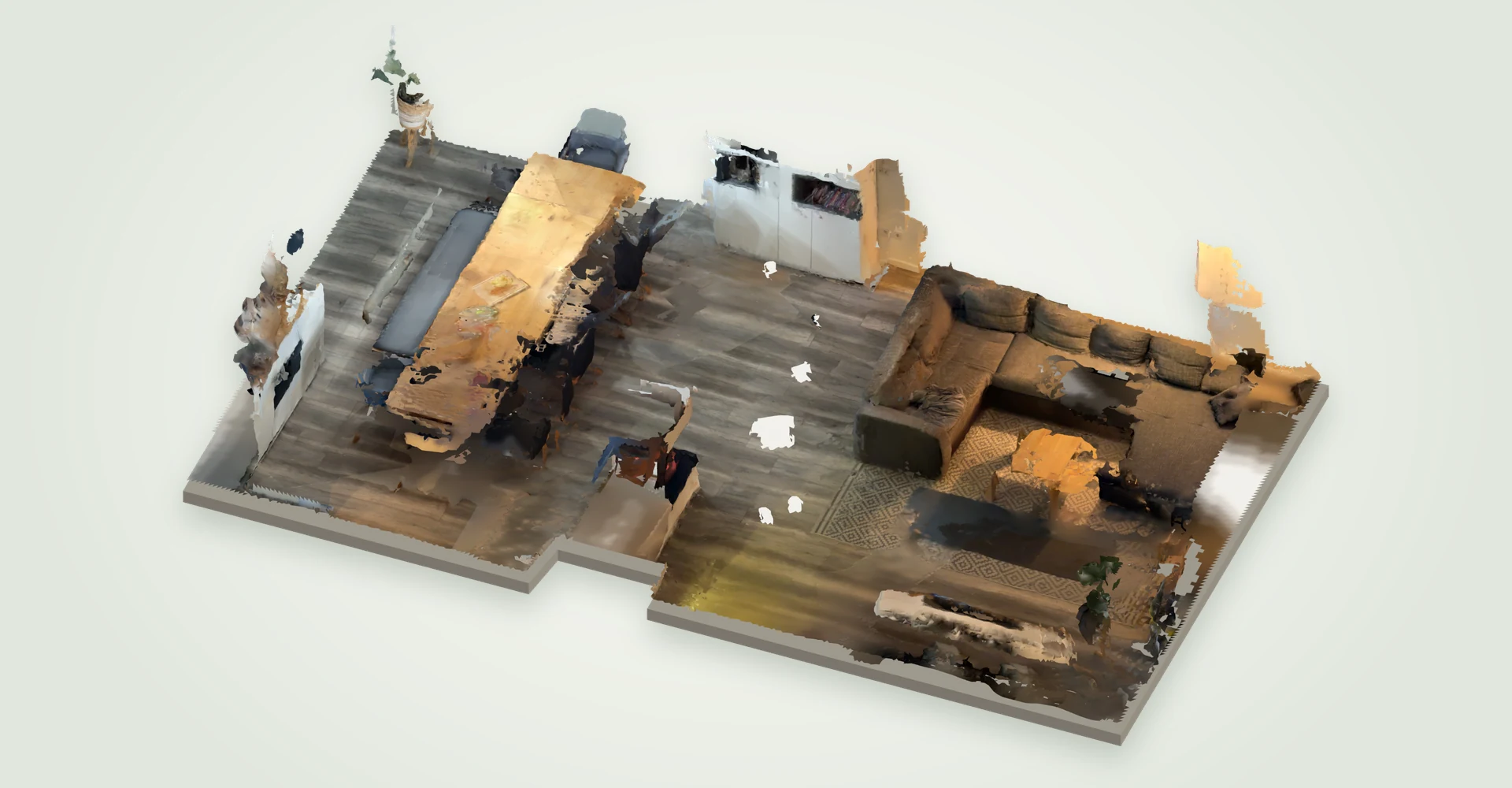
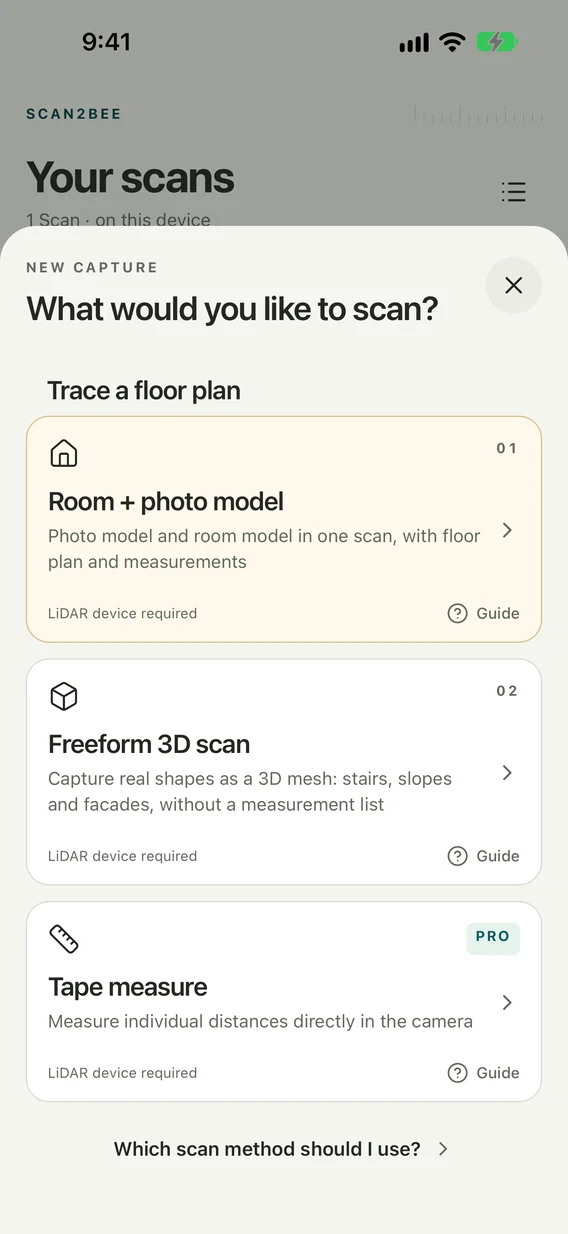
Capture your room with a LiDAR-equipped iPhone Pro or iPad Pro. One scan gives you a photo model and a measured floor plan.
Interactive sample apartment
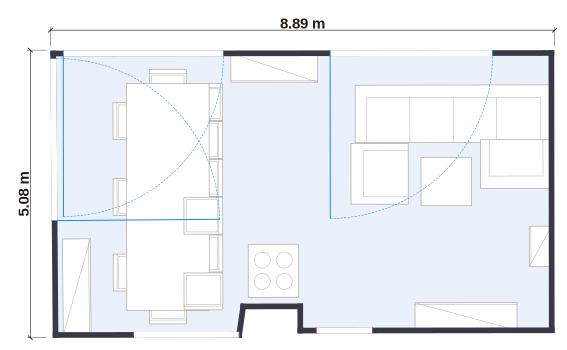
Switch between the photo model, detected walls and furniture, and the floor plan of this simulated apartment. The plan shows the dimensions of the living room and kitchen.
32 m² · 2 rooms
Capture several rooms on one floor, then continue upstairs. In the app, each floor gets its own plan.
Open the ground or upper floor plan in the simulated sample house. Both plans come directly from the app’s floor plan export.
64 m² · 4 rooms
A freeform scan records surfaces as a triangle mesh, including stairs and sloped ceilings. Rotate the app’s sample mesh to see the surfaces from every side.
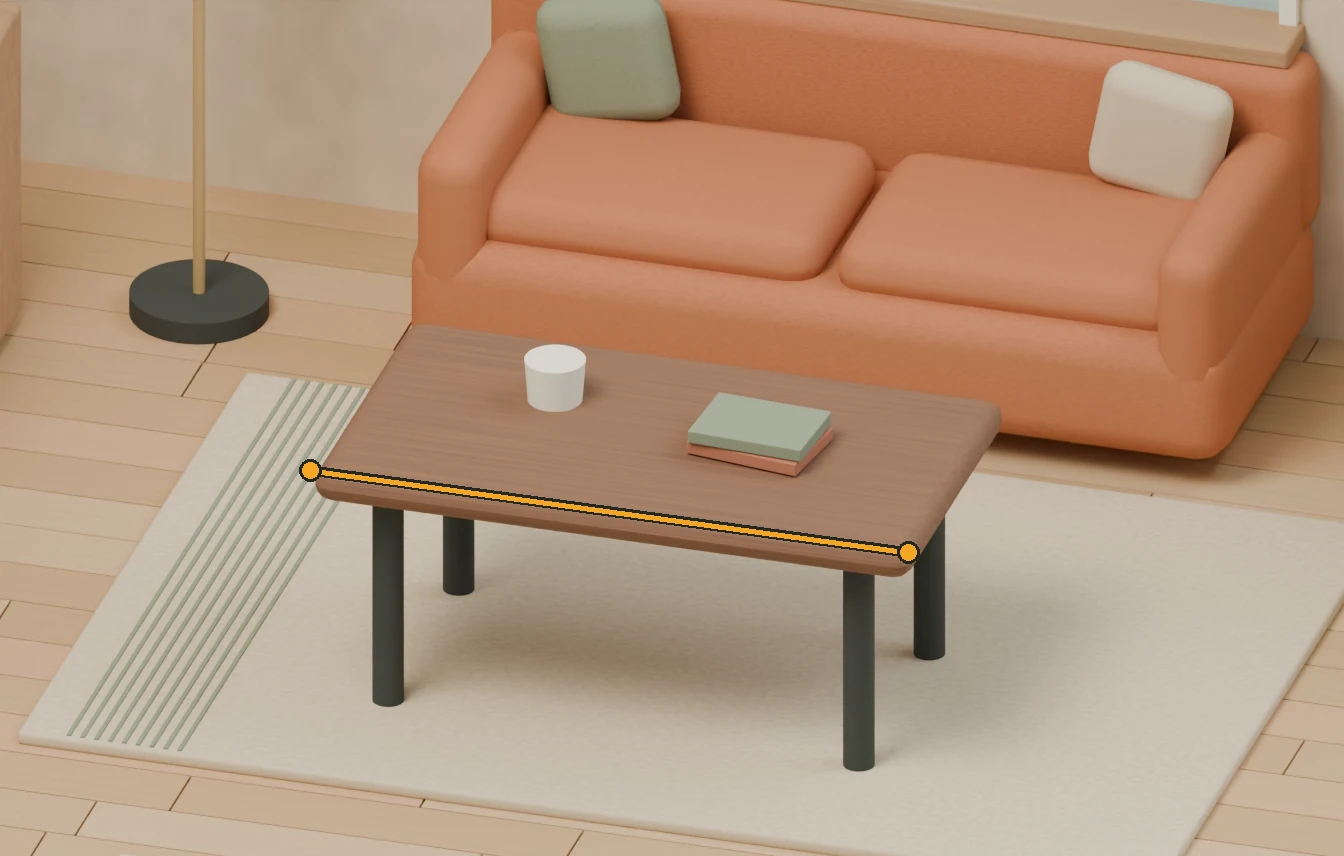
Set a start point and an end point in the camera, for example at opposite ends of a table. The app shows the distance between them. The tape measure is part of Scan2Bee Pro. Double-check critical dimensions on site.
Another question?
info@honeyapps.de
Room scans and freeform 3D scans require an iPhone Pro or iPad Pro with a LiDAR sensor. You can explore the simulations on this page without LiDAR.
You can make your first room or freeform 3D scan without a subscription. You can share the floor plan of your first room scan as a PDF for free. Further scans and DXF, CSV and 3D exports require Pro. The App Store shows the current price and billing period before purchase.
Without an account, your scans stay on the device. With Pro and a signed-in account, you upload scans to your private web library one by one or automatically. From version 1.0.9, automatic upload is off for new accounts and is turned on per account. In version 1.0.8 it is on by default, can also upload existing scans and can be turned off before signing in.
Scan2Bee is not a certified measuring instrument. Dimensions and areas are approximate values from the scan and depend on your device, lighting, surfaces and scanning technique. Area totals are not a legal living-space calculation. Verify important dimensions with a suitable measuring tool before ordering, manufacturing or billing.
Scan2Bee is the new name for ScanBee. Your existing account and subscription carry over. Use your existing account to sign in on the new domain. Until the update to version 1.0.9, the App Store still lists the app as ScanBee.